Keep Kakobuy product links useful after a listing changes
Save enough identifying detail to recognize the same variant even when a page is retitled or moved.
Updated
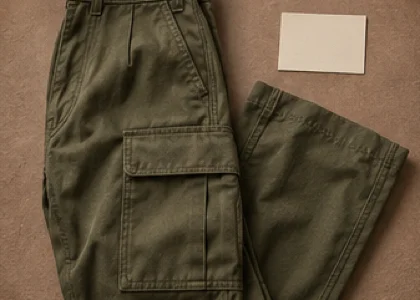
Capture the listing identity
Keep the URL you actually opened, any visible product or seller ID, the exact variant label and the date. Add one physical detail that matters to you. For a pair of cargo trousers, “olive with straight cuffs and two rear pockets” can help you identify the saved choice when the seller reorganizes the options.
Link an image to the chosen option
The first picture may show a different color or cut from the option you selected. Capture the selector and matching picture together where possible, and keep the source link beside the capture. If you bought the item, store the confirmation separately from the mutable listing. Leave personal details out of any image you intend to share.
Recheck identity before updating the row
If an old link starts redirecting to another product, keep the original record with a status such as “listing changed.” Add the new option as a separate Kakobuy Spreadsheet row and compare the source identifier, measurements and details. Only carry over a note when it still describes the same choice. That protects any decisions you made using the old listing from being attached to a different item.